Supported Samsung, LG, and TV systems
Saudi IPTV Shop · Devices
Compatible IPTV devices and Smart Player options
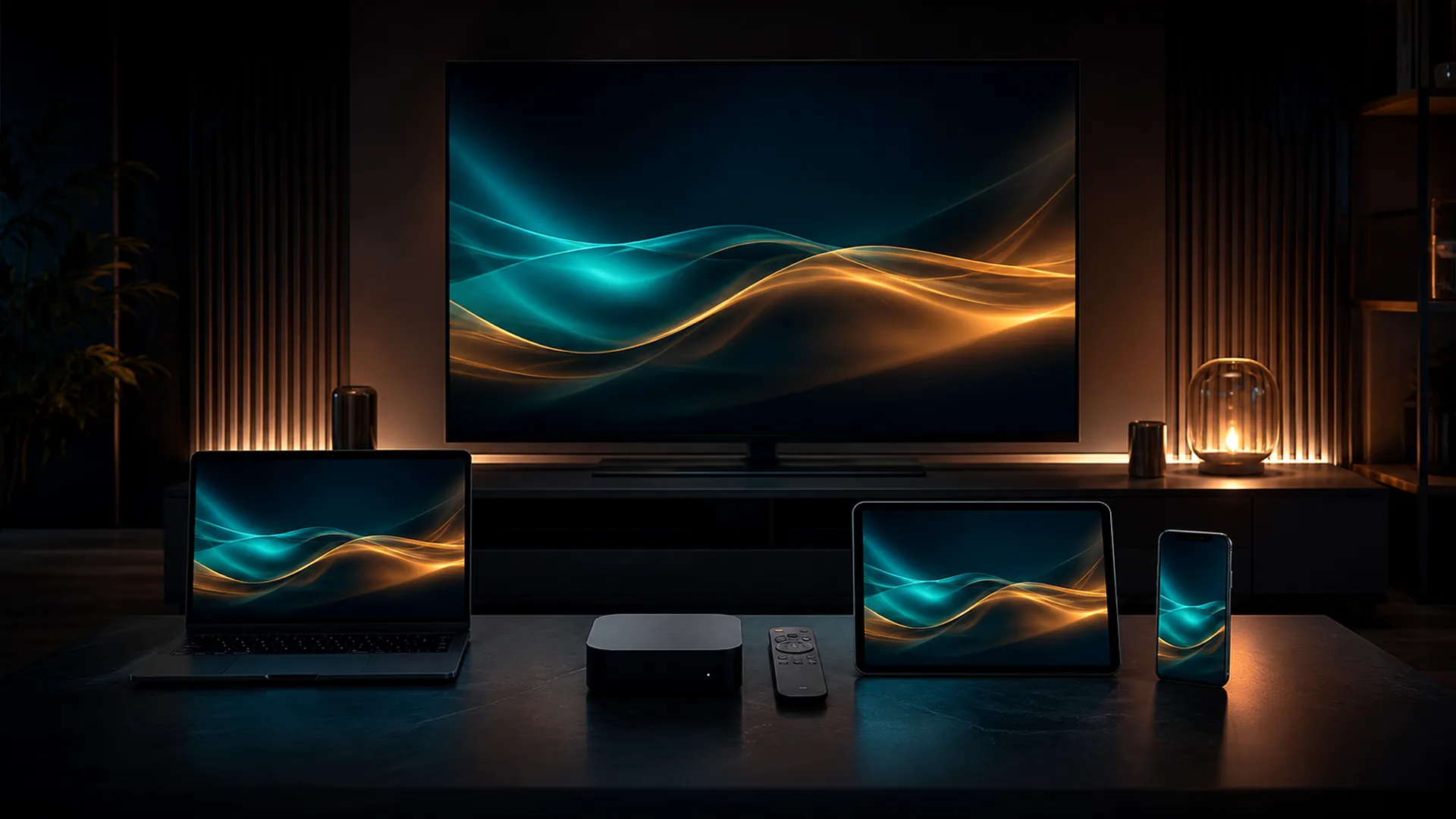
Review compatibility across Smart TVs, Android TV, Fire TV, Apple TV, phones, computers, and selected specialised streaming boxes before buying a subscription.
A brand name is not enough: model number, production year, operating system, app store, and free storage are the details that determine the most suitable player.
If the television store does not offer the app, an updated external streaming device may be practical. Test the network at the screen and keep devices ventilated and updated for more consistent performance.
▣
Watch on your device
Flexible compatibility, with a different route for each system.
Player availability varies by store, model, and region. We check those details before suggesting an installation path.
Compatible televisions and streaming boxes
Trusted players from official sources
iPhone, iPad, and Apple TV
Windows and macOS with suitable players
MAG and Formuler, depending on model
Smart televisions
App availability can vary between models from the same brand. A model number and production year are more useful than the brand alone.
- ✓ Verifiable information
- ✓ A clear practical action
- ✓ Realistic expectations
Streaming devices
Android TV, Fire TV, and Apple TV offer flexibility, but Wi‑Fi quality, storage, and system updates still matter.
- ✓ Verifiable information
- ✓ A clear practical action
- ✓ Realistic expectations
Phones and computers
These devices are useful for testing. If playback works there but not on the TV, start with the TV player or local network.
- ✓ Verifiable information
- ✓ A clear practical action
- ✓ Realistic expectations
Specialised boxes
MAG and Formuler may use a portal or dedicated app. Never assume instructions are identical across generations.
- ✓ Verifiable information
- ✓ A clear practical action
- ✓ Realistic expectations
Updated 9 August 2026 · Technical editorial review
Direct answer
Compatibility depends on the exact model, operating system, app store, memory, and network—not the brand name alone.
Page guide
Choose the right device and player before buying
Two televisions from the same brand can offer different app stores or support because their model years and operating systems differ. A better journey starts by identifying the system, checking the store, and testing the connection where the screen is installed.
Smart televisions
Search by model number and year, then open the device store to confirm the player before paying. An older screen may work more reliably with a current external streaming device. Check storage and updates because slow menus can point to device limitations rather than the subscription or internet connection.
Streaming devices, phones, and computers
Android TV, Fire TV, and Apple TV broaden player choice, while a phone or computer helps isolate a problem. If a nearby mobile device works and the television does not, inspect local Wi‑Fi coverage and player behaviour. The same app name does not guarantee identical behaviour across operating systems.
When Ethernet helps
A cable does not increase the purchased internet speed, but it reduces distance and radio interference. Use it for the main television when practical and keep Wi‑Fi for mobile devices. Position the router in an open, ventilated location and test during the household’s real viewing hours.
Ready to choose?
Start on WhatsAppSend your device and screen count. We will help you choose.
Begin with a clear WhatsApp message. We only ask for information needed to check compatibility and process the order.